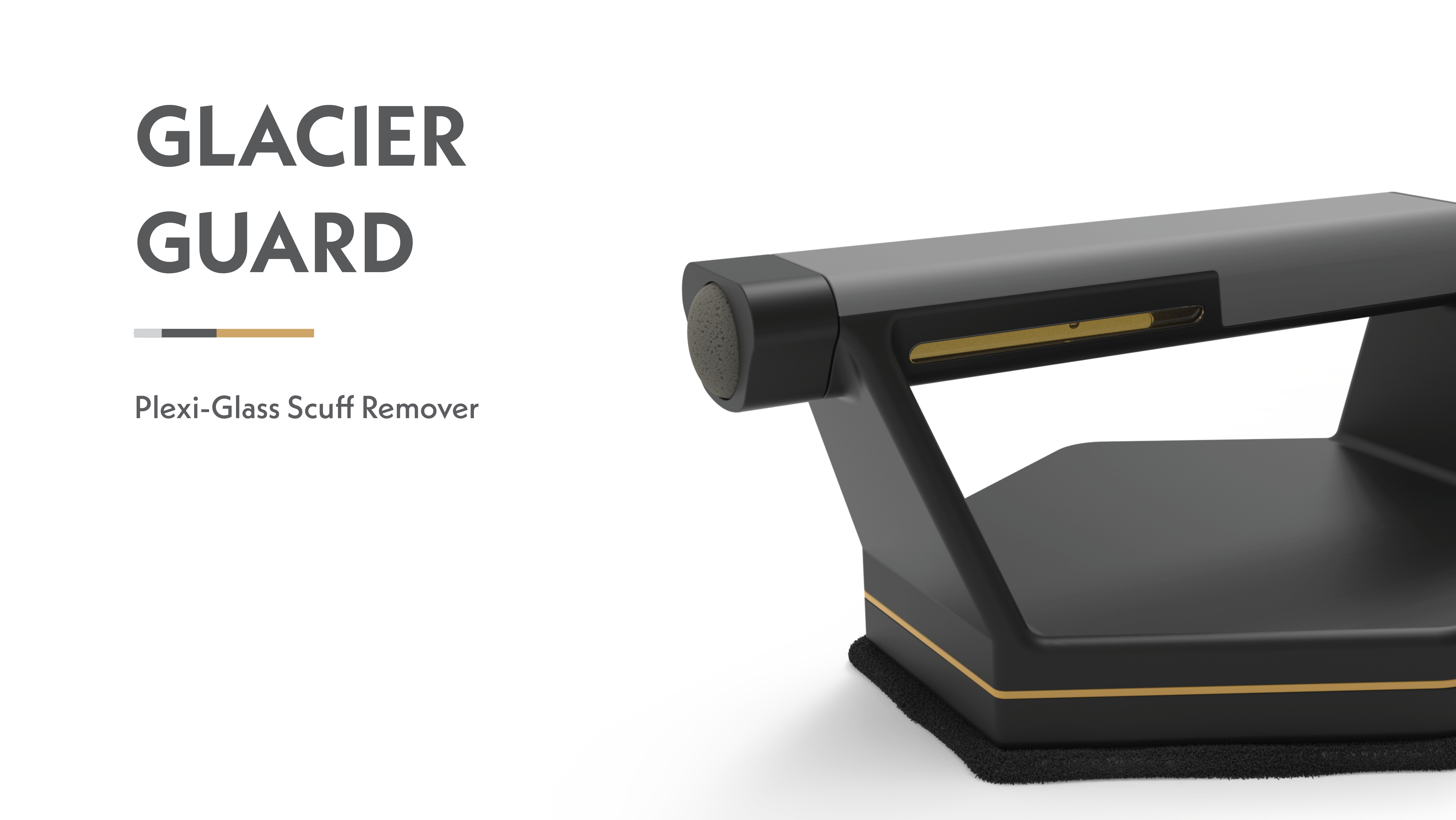
This page covers most of my work from my CAD classes, which were taken during my sophomore year in the program. Most of it was completed in SolidWorks and KeyShot for rendering. Also included is some work from Fusion 360 and Rhino. I learned basic CAD functions, along with surface modeling, rendering methods, and much more.
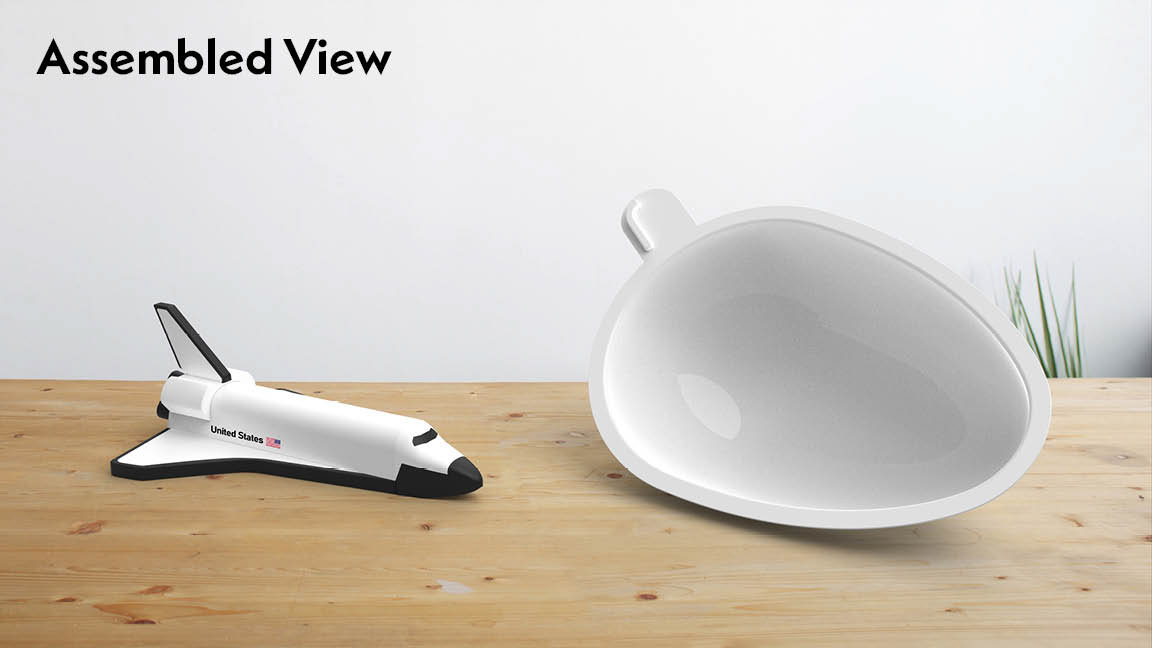
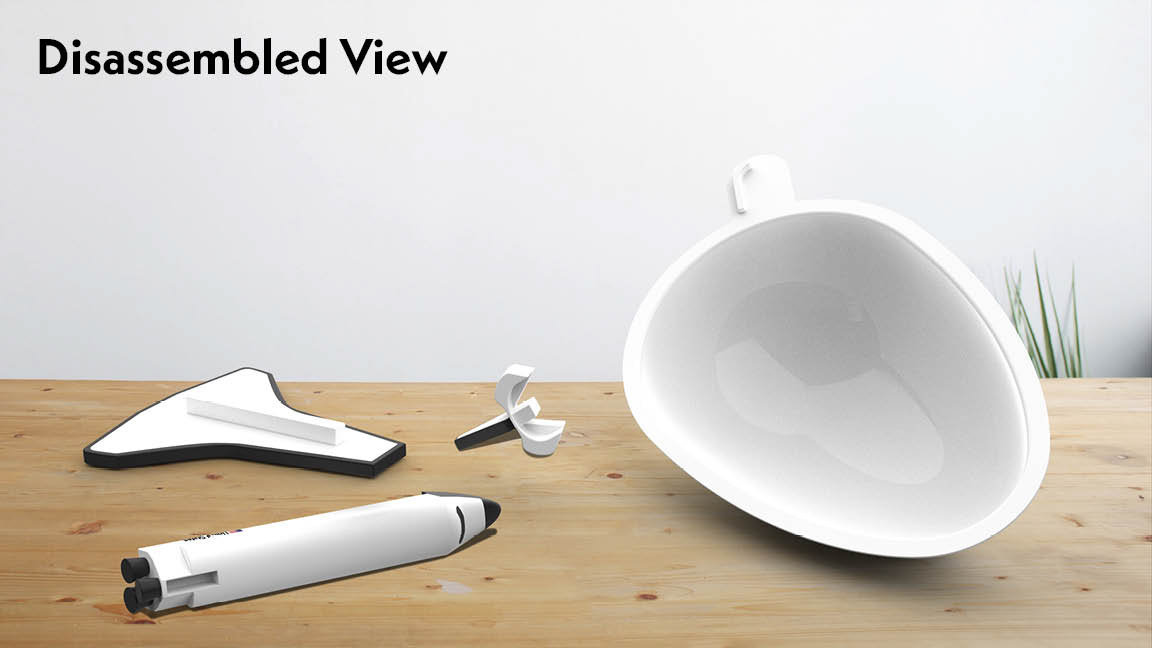
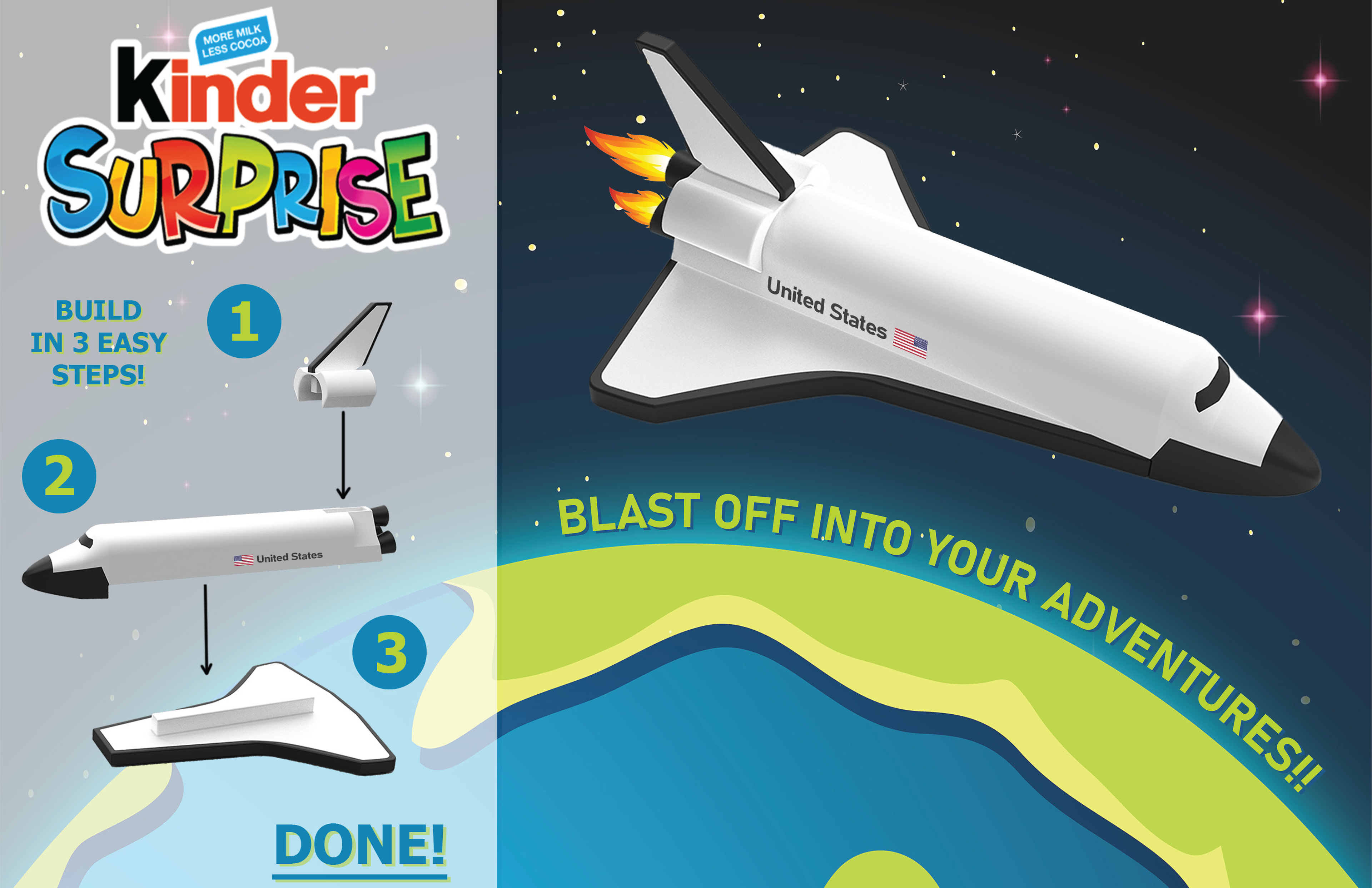
This First Project covers basic SolidWorks and Keyshot methods, where I was required to design a Kinder Toy with at least 3 components that could fit in the egg-style packaging. I chose to go with the space route, designing a US Space Shuttle toy.
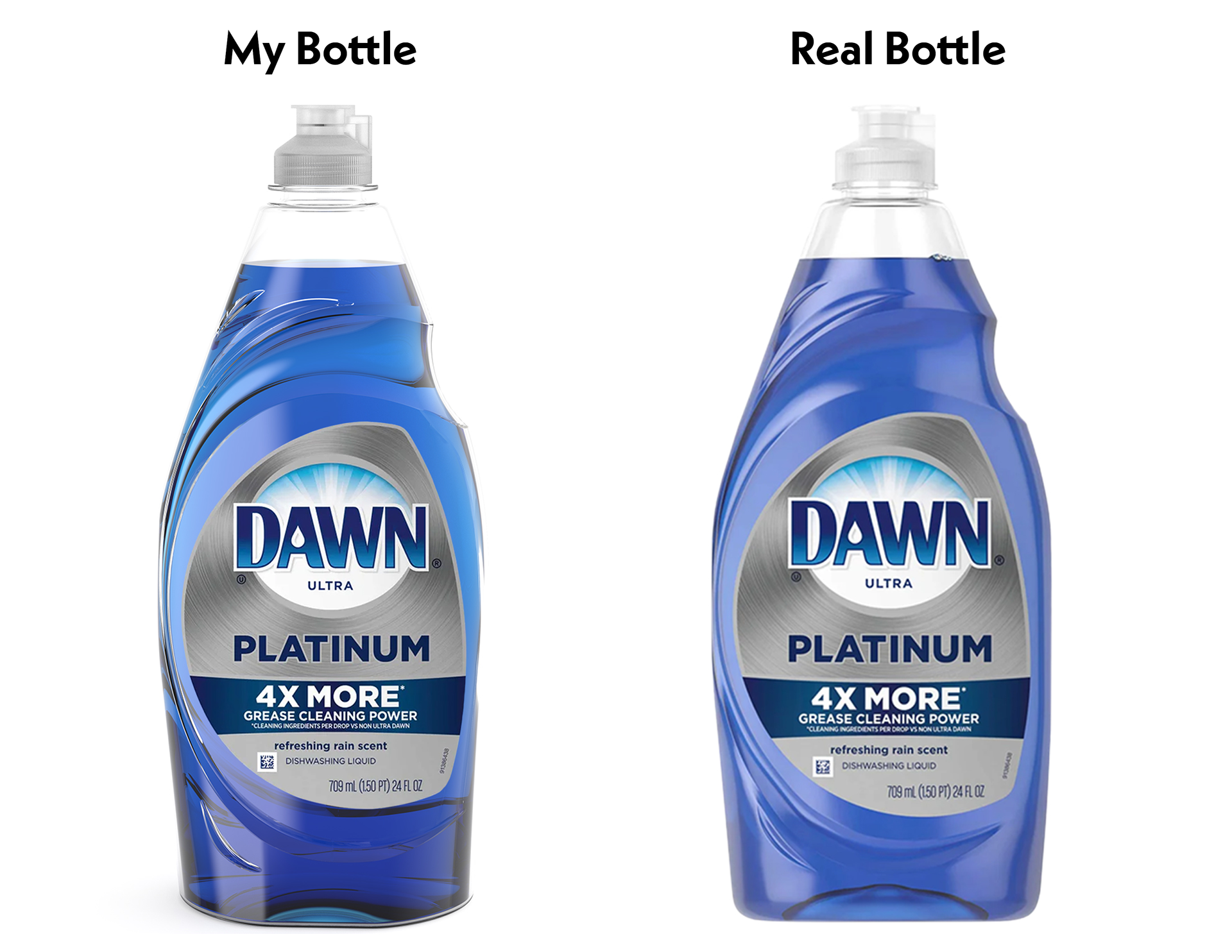
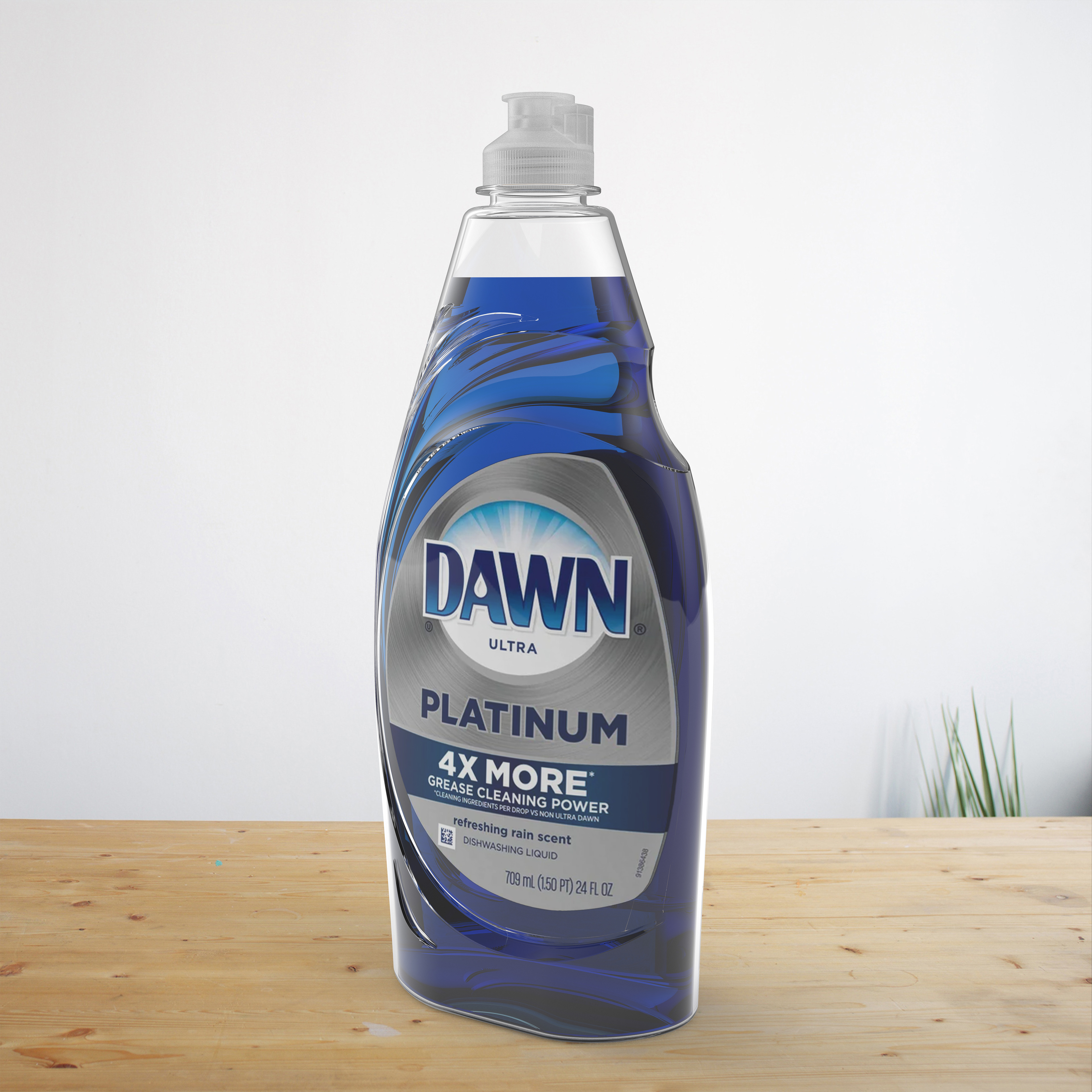
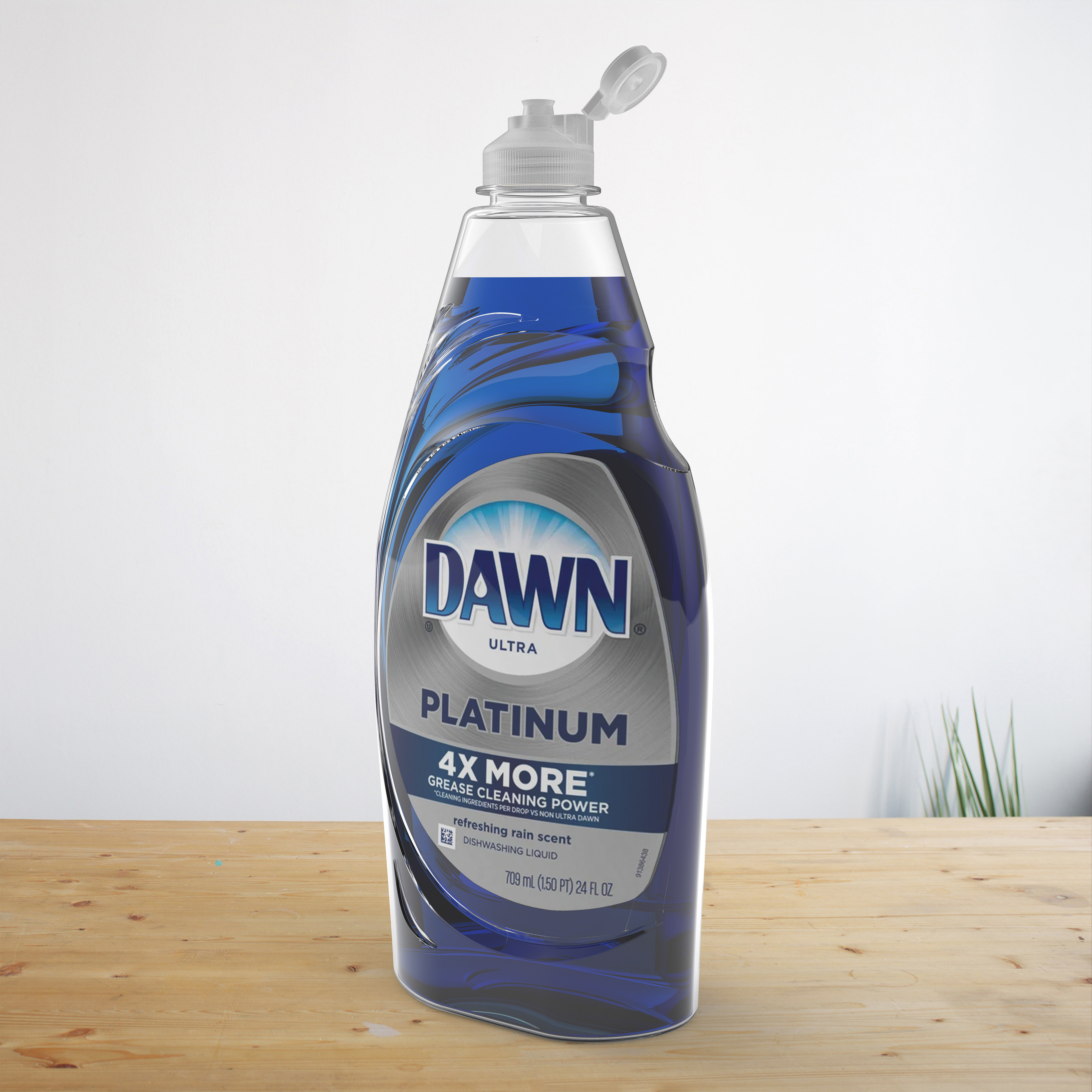
This next project was the first time I used surface modeling in SolidWorks. I was challenged to replicate a soap / detergent bottle. I went with a Dawn Dish bottle, which was challenging but allowed me to learn a lot about surfacing tools and more advanced rendering practices.
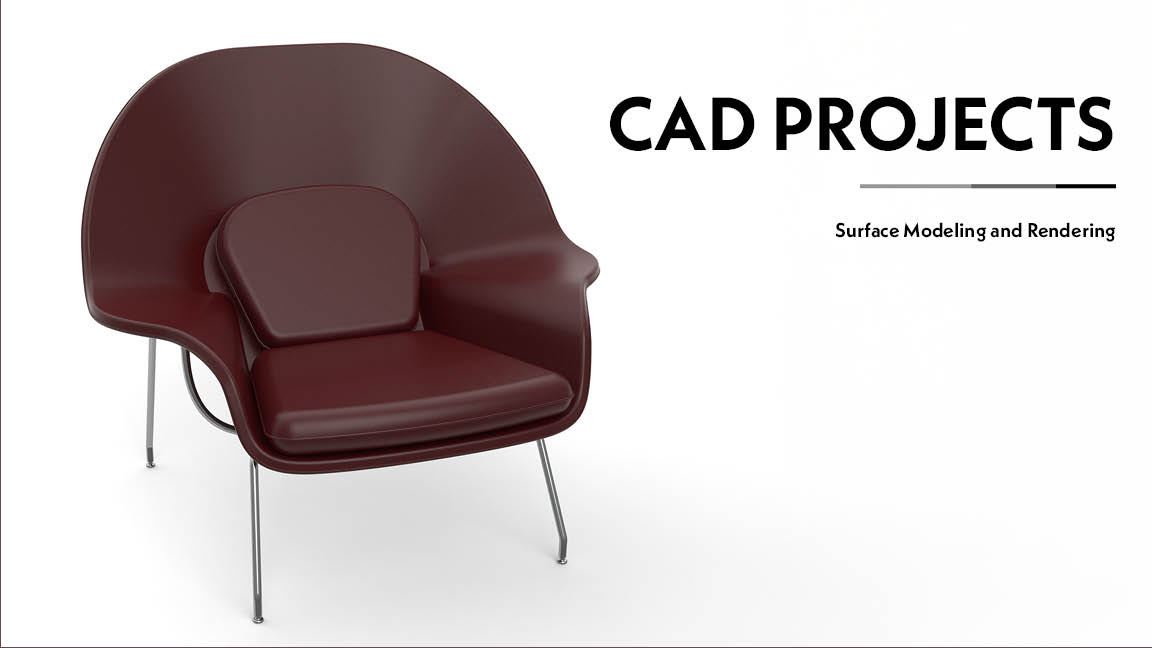
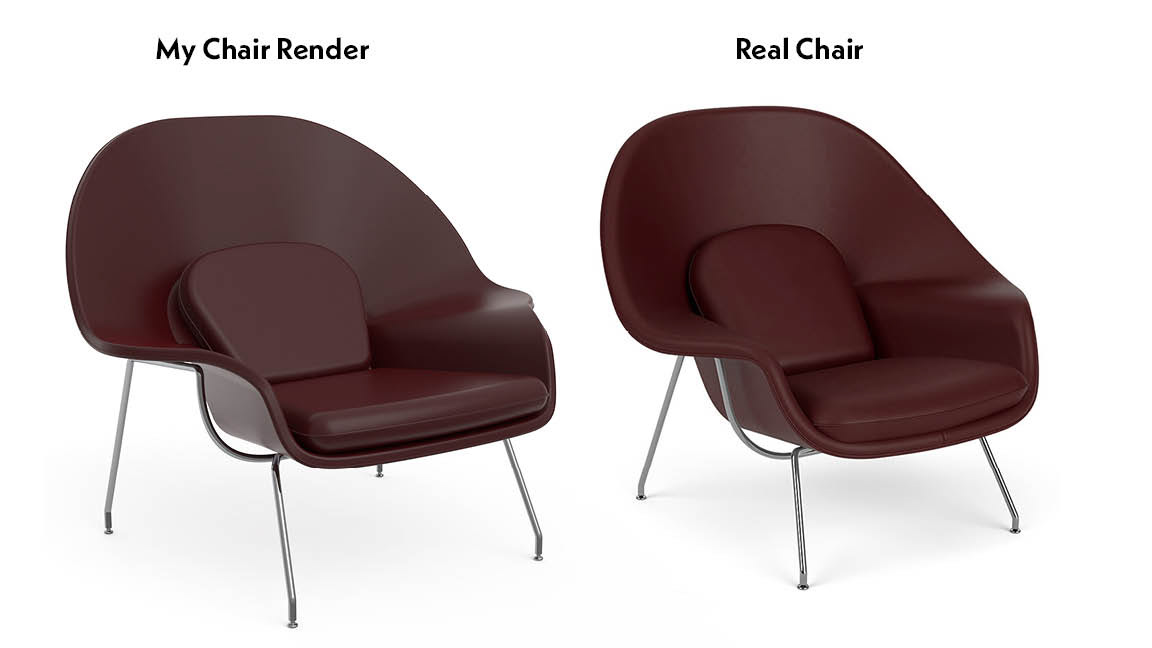
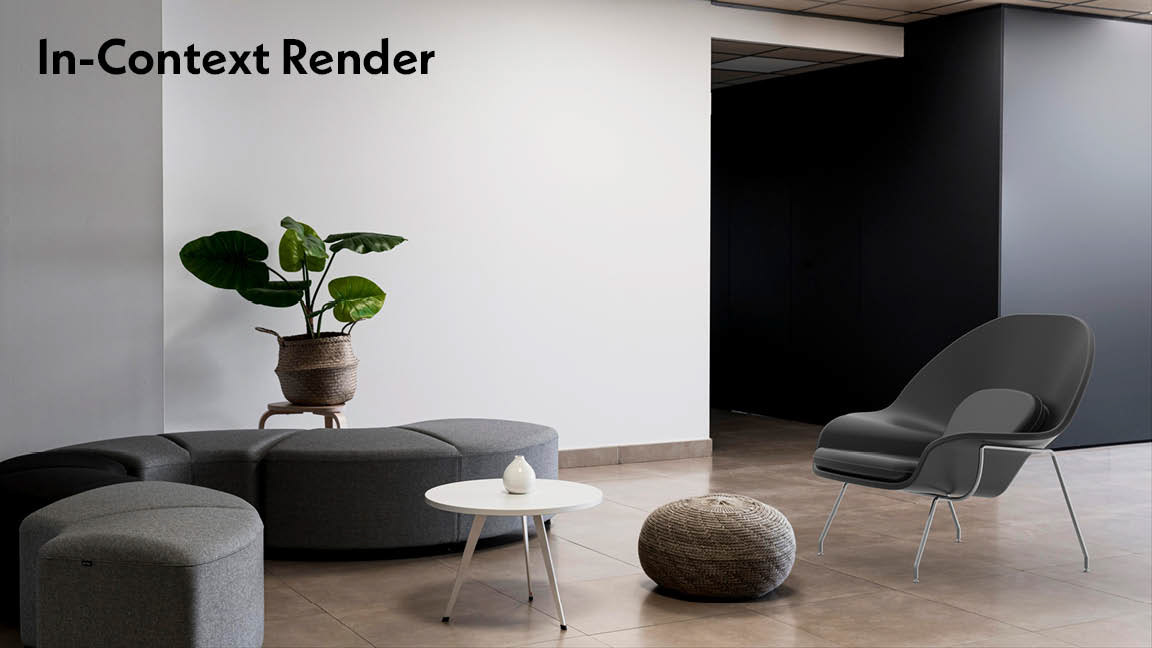
Another replica project required me to design a famous chair in Solidworks. I chose the Womb Chair in a maroon colorway and leather material. This project combined surfacing methods with basic solid methods in CAD.
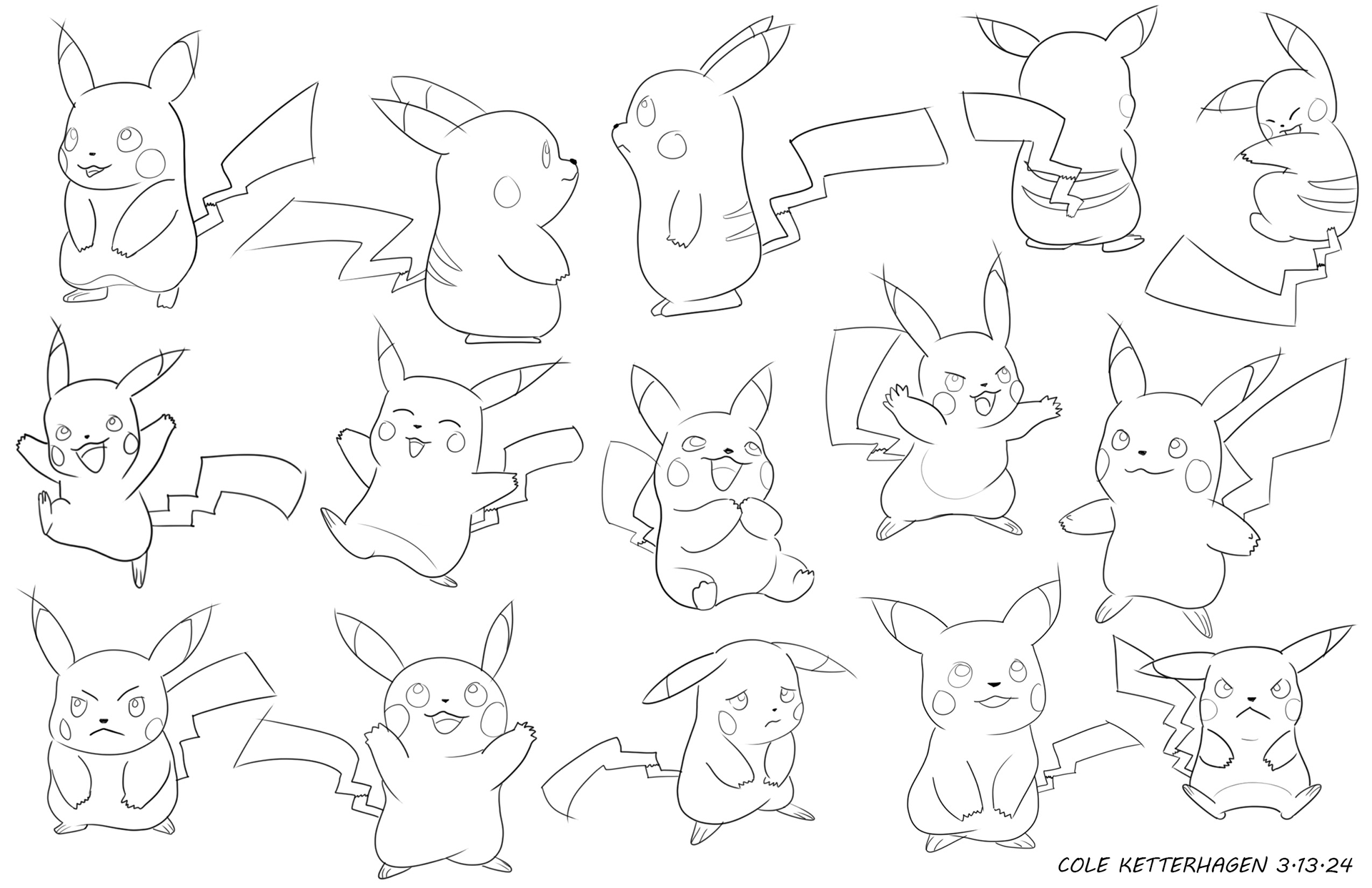
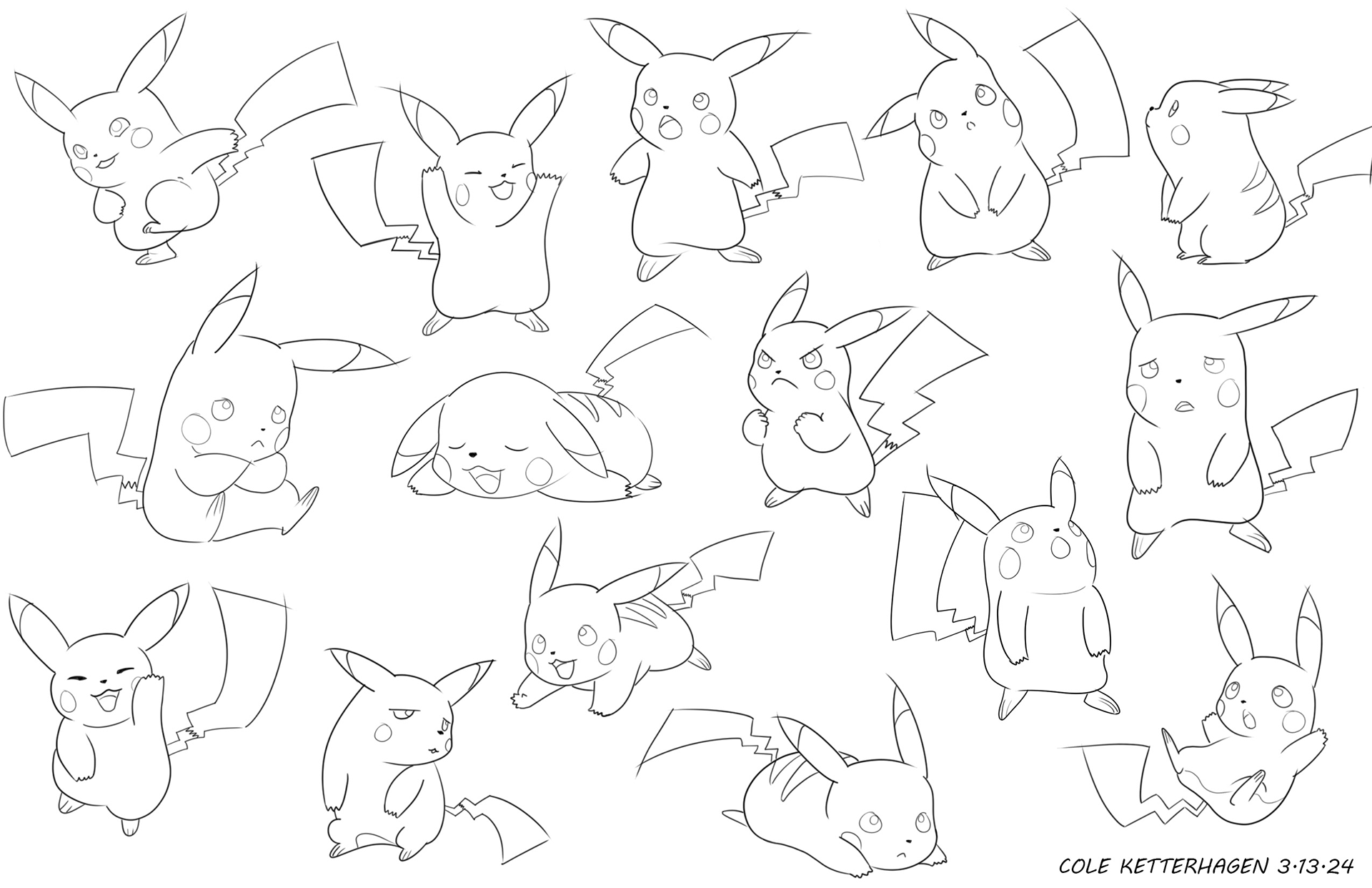
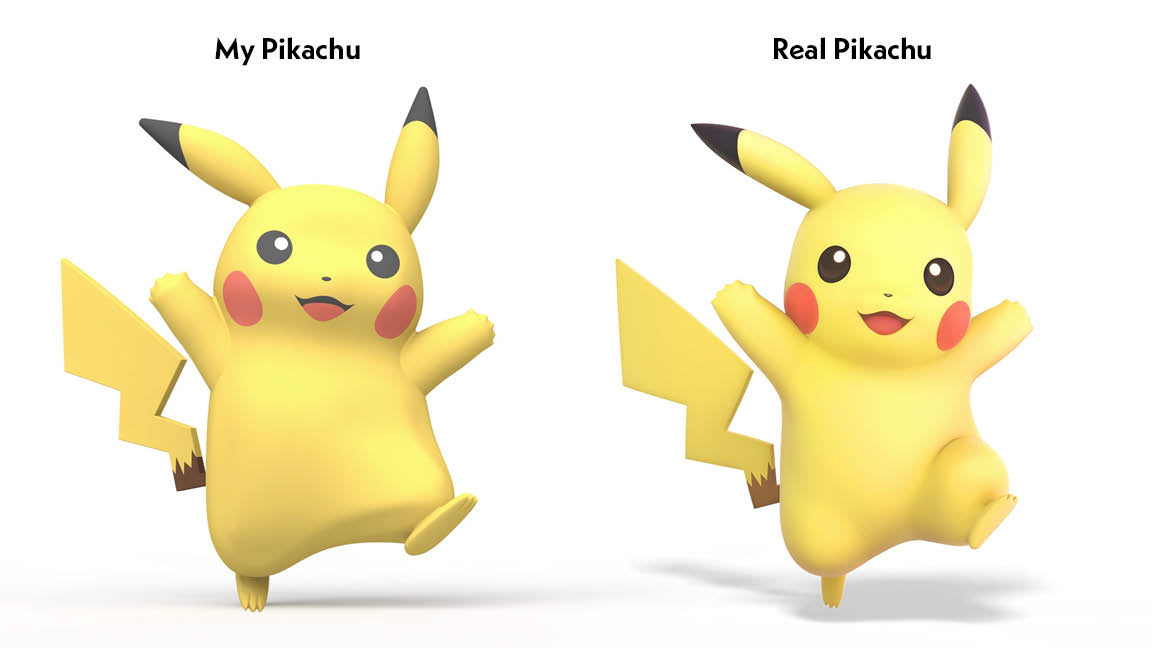
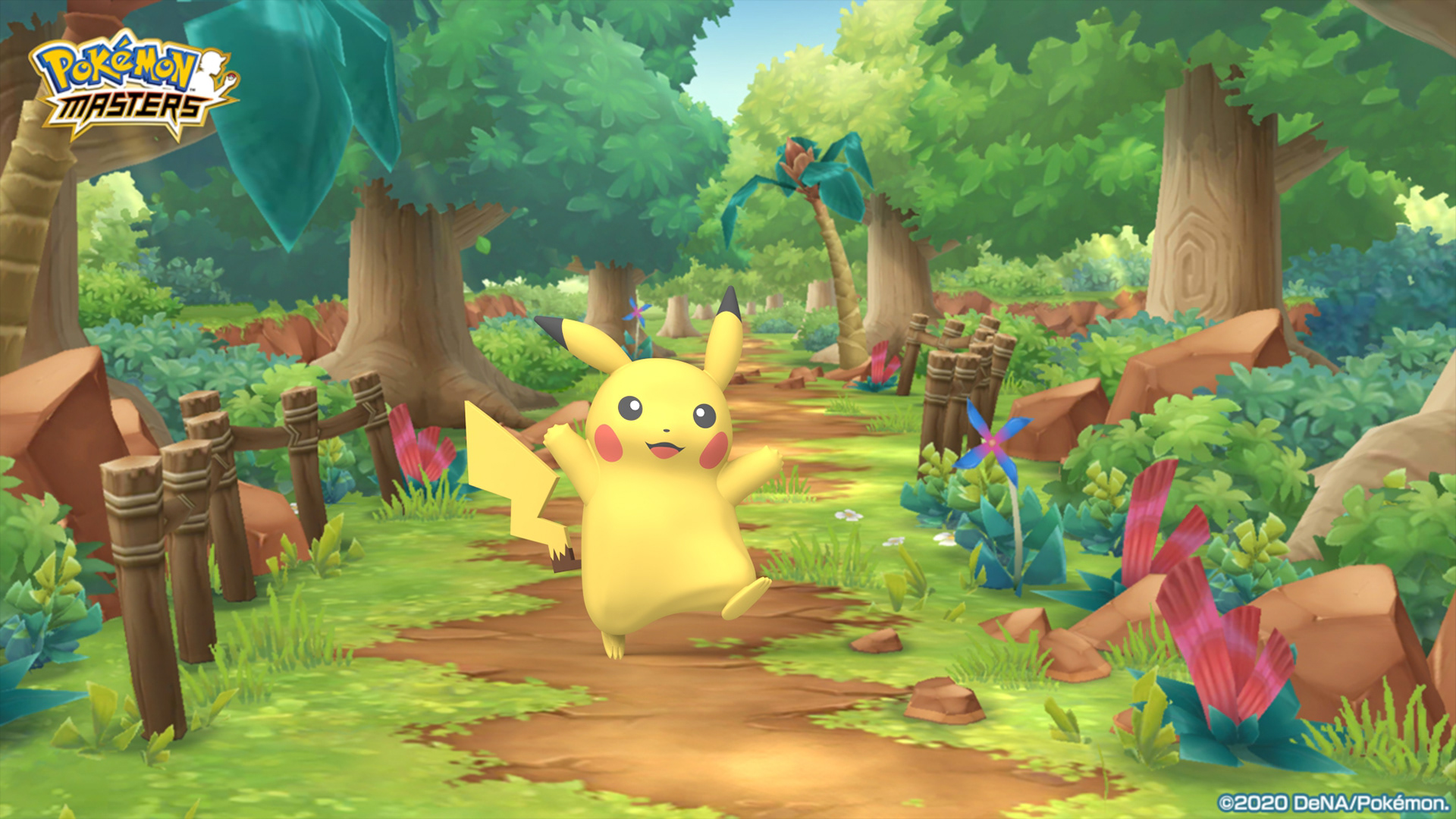
With this project, I was introduced to a new 3d modeling software: Fusion 360. I was given the prompt of designing a cartoon character or creating my own. I immediately thought of Pikachu. I first sketched out a bunch of thumbnail sketches that allowed me to understand his shape from many different angles. Then, I brought it to life in Fusion and imported it into a cartoon scene.
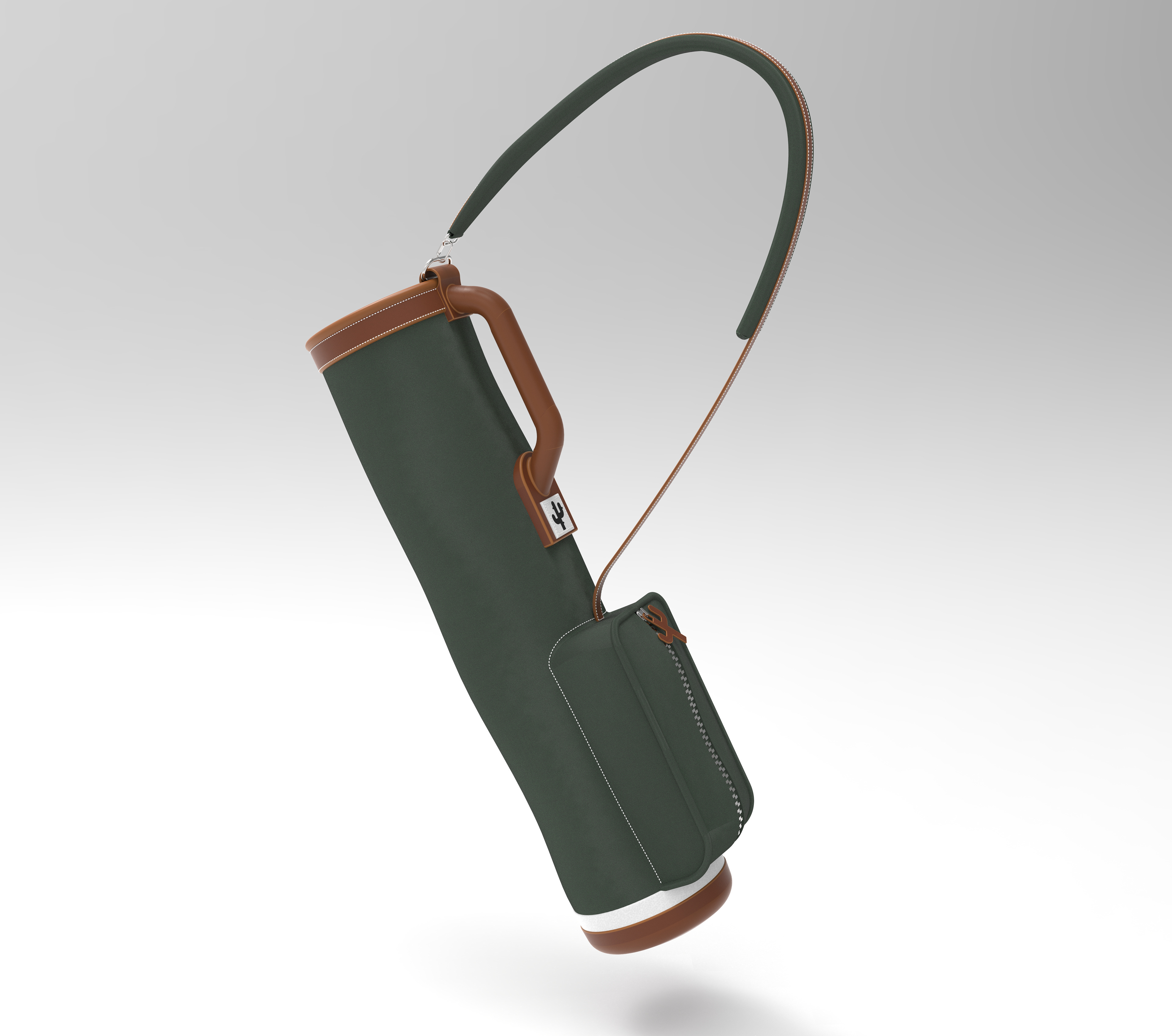
The last project in my CAD class required me to design a soft goods product in another 3D modeling software that was new to me. Designed in Rhino, this lightweight golf bag could be used for the casual golfer or someone looking to bring less clubs to the course. I learned a ton about how soft goods are made and modeled.